
Reset Password
If you forget your password for any reason, you can easily reset it at any time.
How to reset your Password?
-
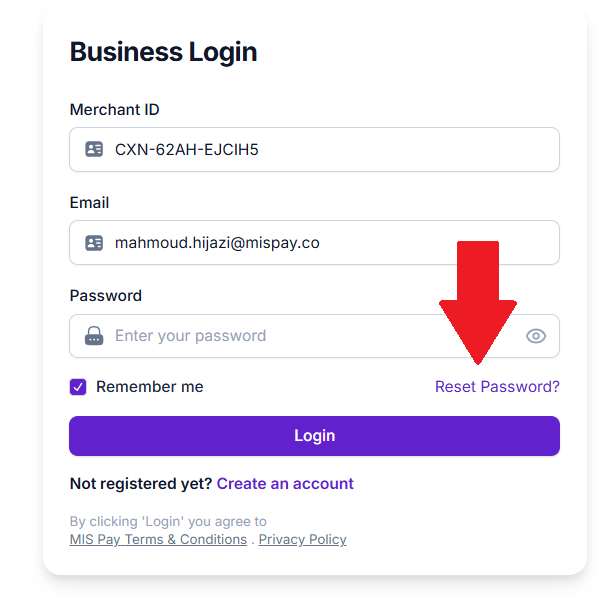
Click on “Reset Password?” hyperlink.
-
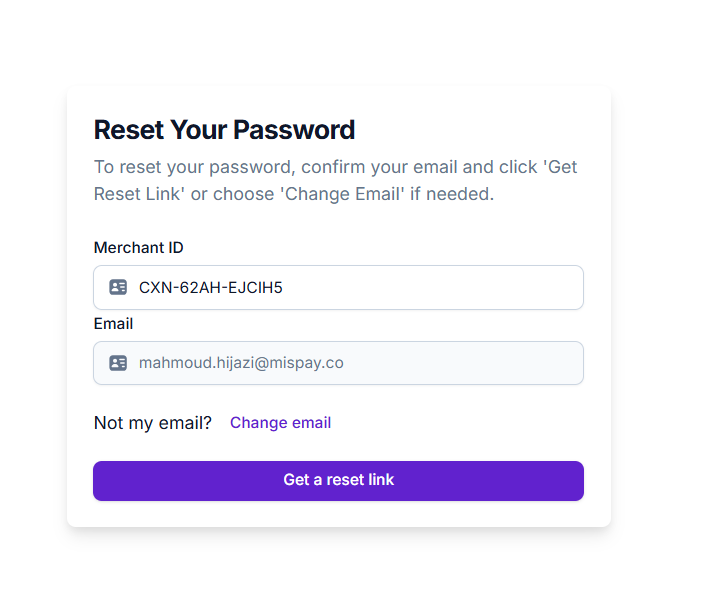
Make sure that the Merchant ID and Email are correct in the image below, then click "Get a Reset Link."
-
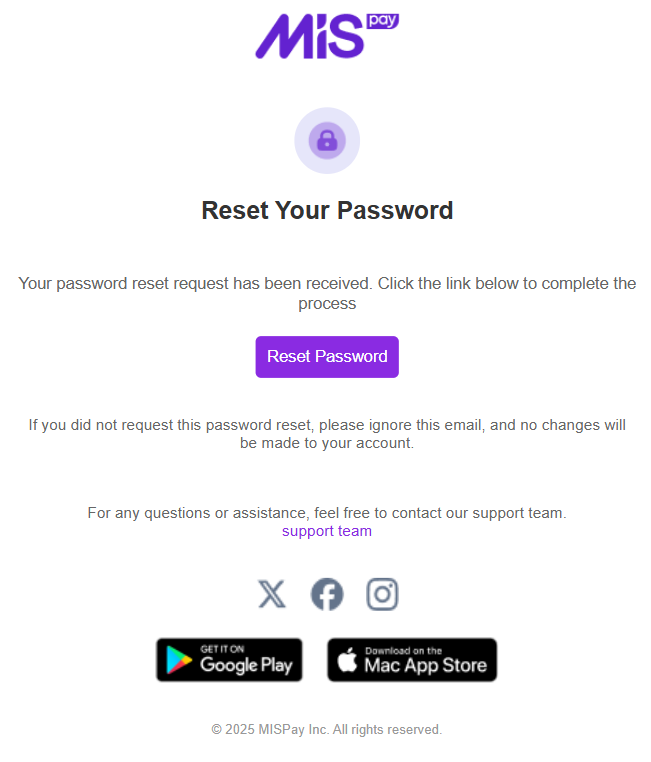
Check your email for new messages, you should find an email from MISPay Team that contains the reset link as below:
-
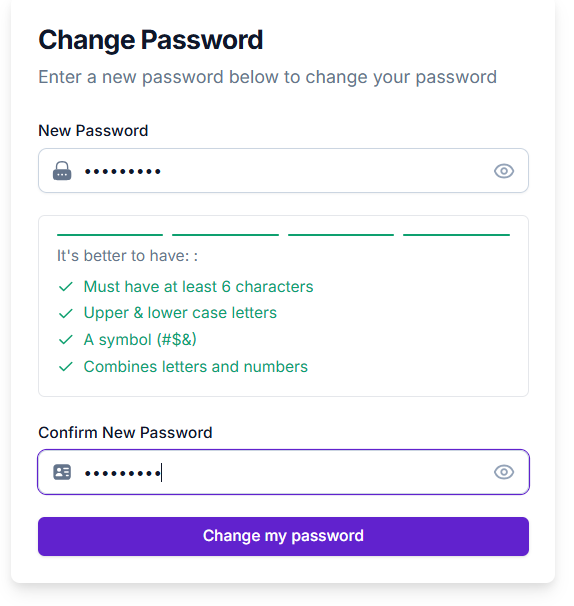
Click on the "Reset Password" button, which will open a web page where you can enter and confirm your new password. Ensure that the password meets the criteria displayed on the page.
-
Click on “Change My password” Button.
-
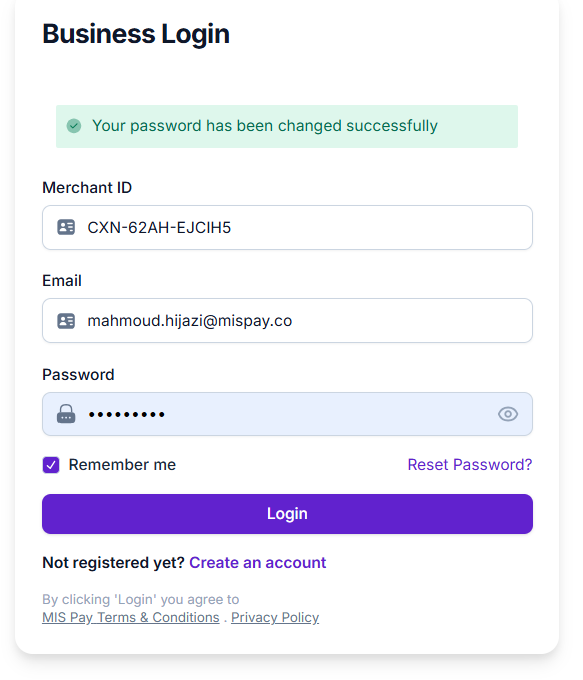
You will be directed to the login page. Simply enter your new password and click Login.
Updated over 1 year ago
Did this page help you?